
OrbGrid in Class: A Puzzle Mode That Rewards Careful Thinking
OrbGrid turns correct answers into placements on a shared board. Learn when to use it, how scoring lines work, and how to coach students who freeze on big grids.
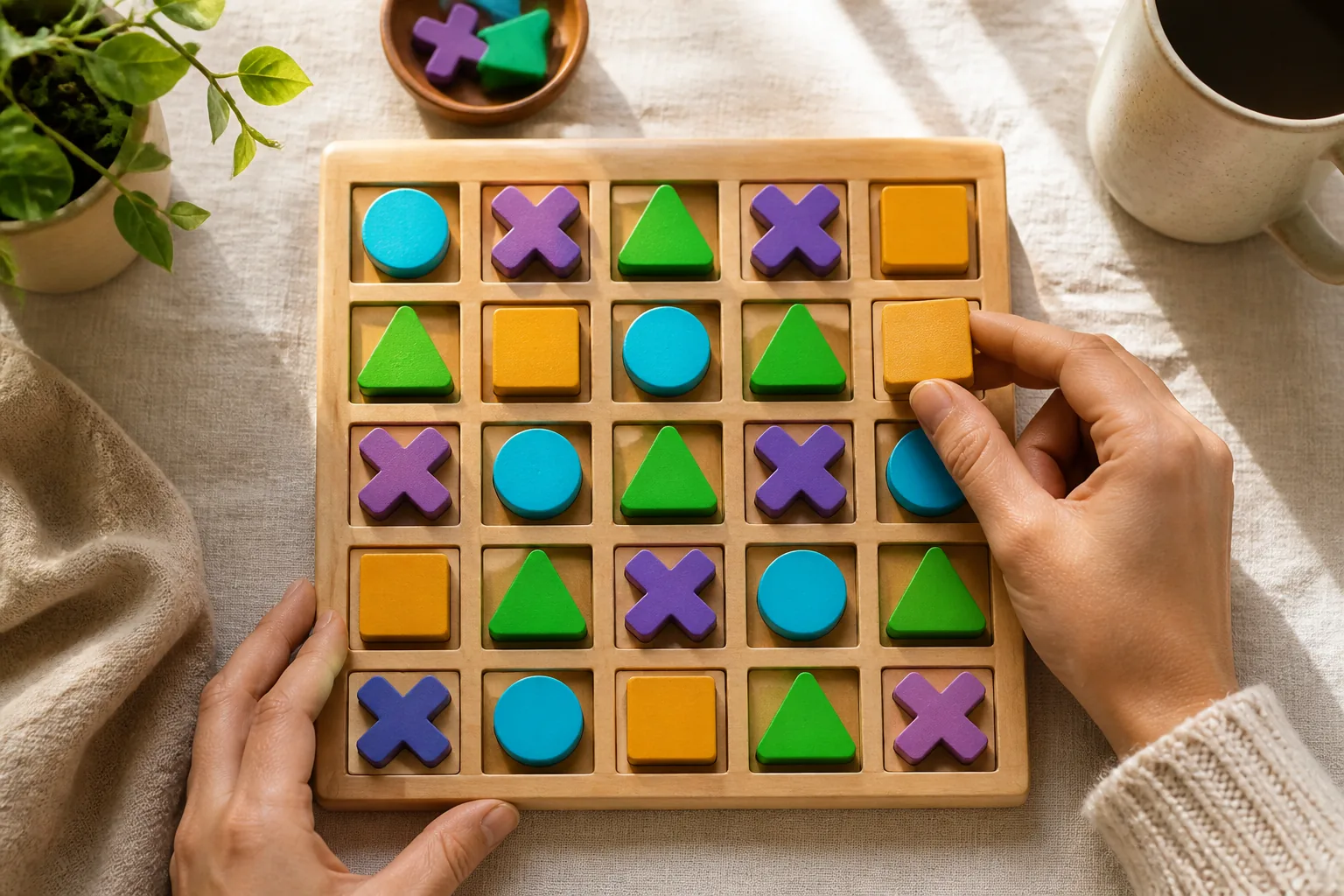
Some lessons need speed. Others need space to think. OrbGrid is OrbPops’ free puzzle mode for the second kind: answer correctly, place your figure, and chase connecting lines for points.
It feels closer to a logic board than a buzzer race—and that is exactly why it belongs in certain classes.
How OrbGrid plays
- Students join with a phone and receive a figure (circle, cross, triangle, square, or spiral)
- Each correct answer unlocks placements on the shared grid
- Connecting enough of the same figure in a line scores points—the longer the run, the bigger the reward
- Players can skip a placement and stay on questions if they prefer a lighter pace
Hosts set board size (from compact 5×5 up to spacious 15×15) and whether lines of 3 or 4 start scoring.
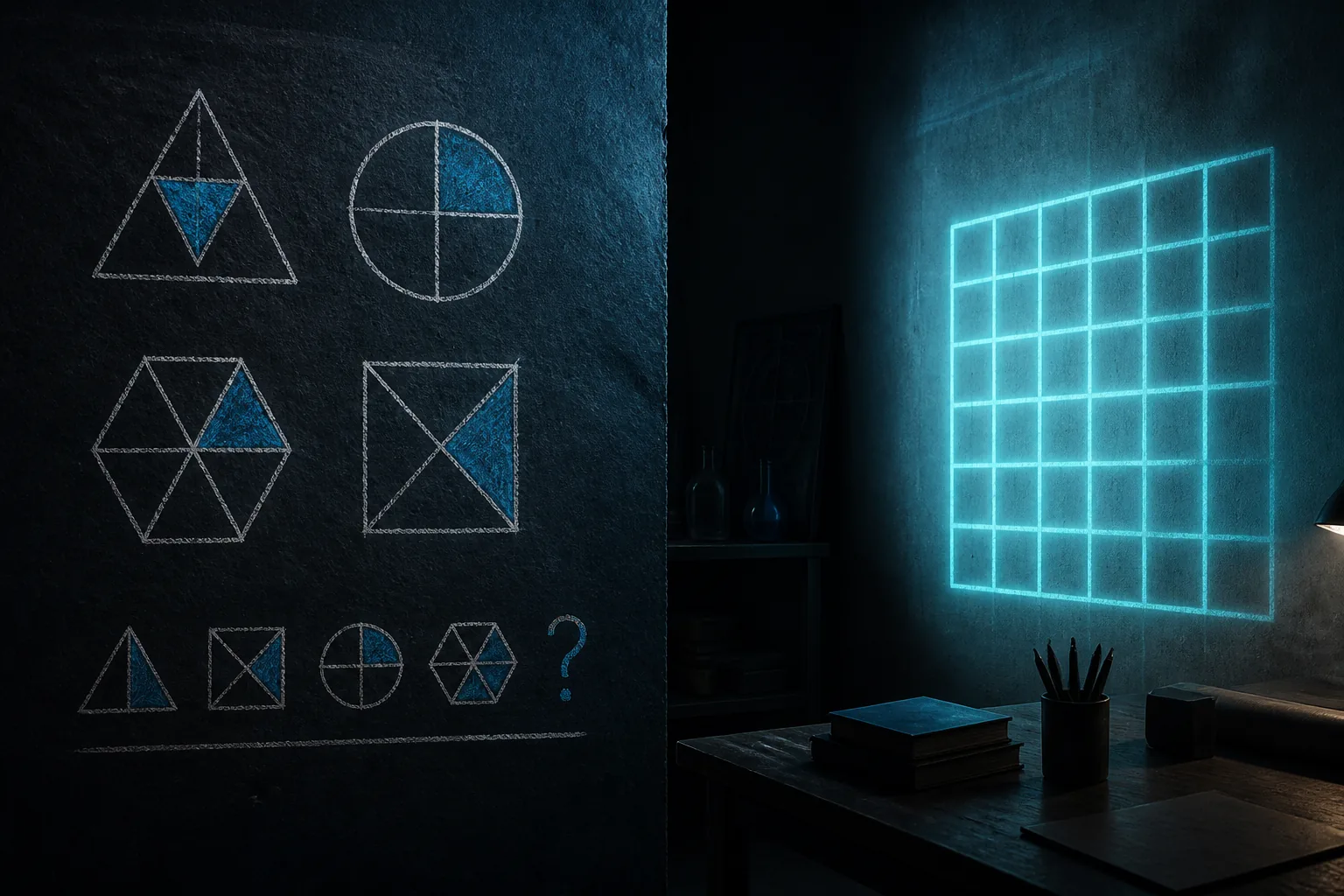
When OrbGrid beats a pure speed mode
Choose OrbGrid when you want:
- Spatial reasoning, patterns, or “plan two moves ahead”
- Calmer rooms where shouting at the finish line is not the goal
- A visible board the whole class can discuss after a round
Reach for Rocket Race when energy and powers matter more than placement strategy. Use Classic when you only need a clean leaderboard.
Coaching tips for hosts
- Start small — 6×6 or 7×7 for the first OrbGrid lesson
- Explain one scoring line on the projector before question one
- Remind phones to zoom on large boards—pinch or use +/− so taps land on the right cell
- Celebrate smart blocks as much as long chains; defense is part of the puzzle
Lesson ideas that fit the board
- Math: place after estimating, then discuss which line was “worth” the move
- Language: vocabulary checks unlock placements; review wrong stems on the board pause
- Science: classification questions feed the grid; end with a gallery walk of the final board
Pair with better questions
Puzzle modes shine when stems reward judgment. If your Pop is still pure recall, tighten a few items using the patterns in how to write questions that spark thinking.
Try OrbGrid this week
Create or pick a 10–15 question Pop, host OrbGrid on a mid-size board, and leave two minutes at the end for students to narrate why they placed where they did. That debrief is the learning.
Host OrbGrid free, or compare every mode in the OrbPops game modes guide.
Related articles

How to Write Quiz Questions That Spark Real Thinking
Fast quizzes fail when every item is a memory trap. Use these patterns to write OrbPops questions that reward reasoning—then pair them with the right game mode.
Read article →
How to Assign OrbPops Homework Students Actually Finish
Skip the worksheet stack. Turn any Pop into a shareable homework link with a clear goal, deadline, and live progress you can review without chasing screenshots.
Read article →
How Students Join OrbPops Games From Their Phones
No app install required. Learn how players join live OrbPops sessions on mobile, what to show on the host screen, and how to keep phones landscape-ready for Rocket Race, Treasure Hunt, and Orb City.
Read article →