
Create a quiz (Pop)
Build a question set with multiple choice or text answers, images, audio, and categories. Save drafts anytime or generate a starting point with AI — 5 free drafts per month on the free teacher plan.
How it works
OrbPops is a teacher toolkit: turn your questions into multiplayer classroom games. Build once, host many times. Students join with a code — no app required.
Build a question set with multiple choice or text answers, images, audio, and categories. Save drafts anytime or generate a starting point with AI — 5 free drafts per month on the free teacher plan.
Pick Classic, Rocket Race, Treasure Hunt, OrbCity, or OrbGrid. Each mode uses your quiz differently while keeping the same questions.
Start a live classroom game and give students a short join code. They join from any browser — no student account or app required.
See scores, answer breakdowns, and session history. Assign homework or practice quizzes after class.
Use the same quiz across different educational games — each mode has its own mechanics and visual style.
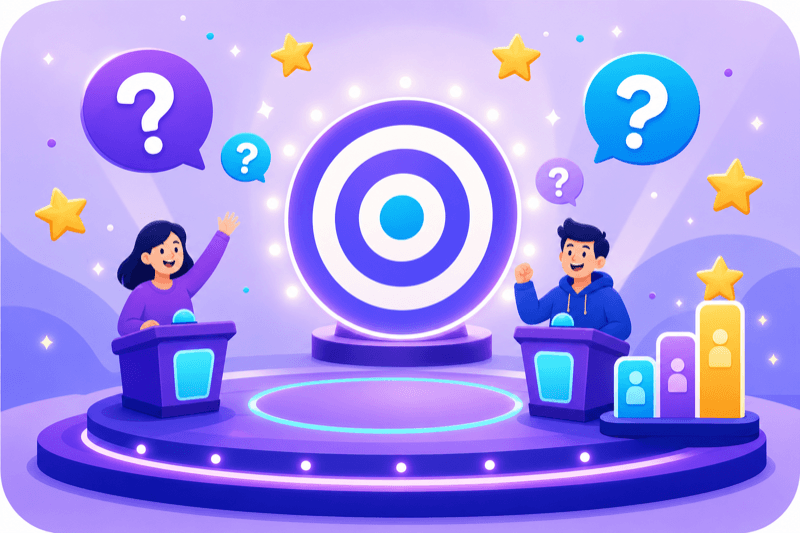
A live classroom quiz with a points leaderboard — every question counts toward the final score.
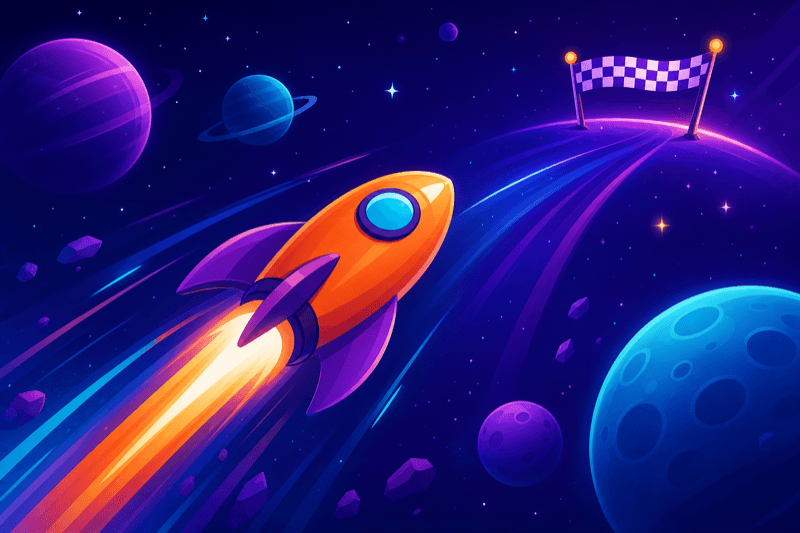
A classroom race: rockets climb with correct answers and powers — first to the finish wins.
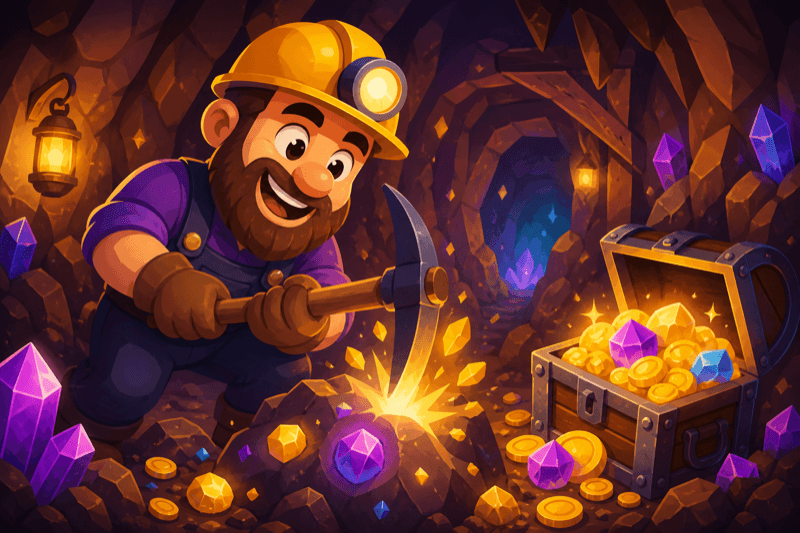
A class treasure hunt: correct answers unlock digs — most gold wins. Also great as homework.
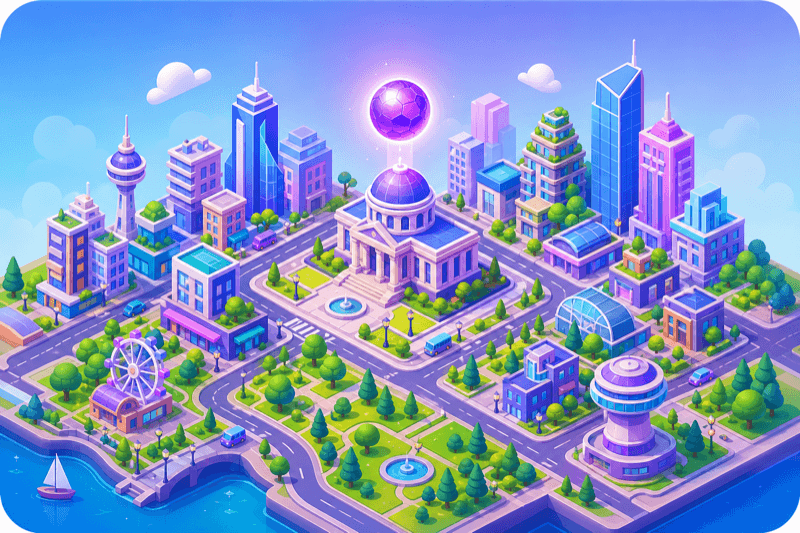
A city-builder classroom game: answer questions, earn coins, and compete for city points. Also works as homework.
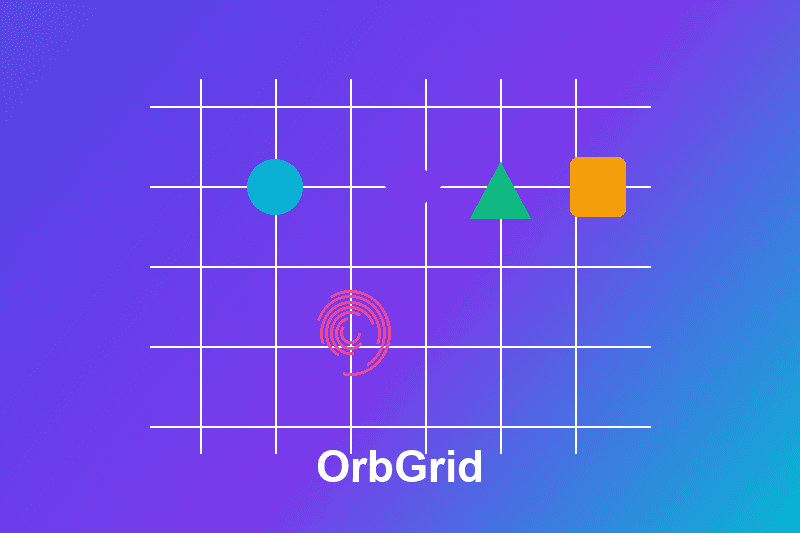
A live classroom board game: place figures with correct answers — longer connected lines score more.
Run engaging lesson reviews, formative quizzes, and workshop checkpoints with live leaderboards, instant feedback, and homework games.
Make all-hands and training moments interactive. One host screen, everyone participates from their phone or laptop.
Join with a code in seconds. Play live with a nickname or complete homework and practice assignments at your own pace.
Create a free teacher account, build your first quiz, and share a join code with your class.